
Measure twice. Plan once.
Type in the parts you need and Shop Buddy lays them out on your sheets and boards, kerf and grain included, then numbers every cut in the order you make them.
Coming soon to the App Store for iPhone and iPadFrom parts list to cut list
The plan updates while you type, so you can try a different sheet or a narrower shelf and see straight away what it costs.
-
 1
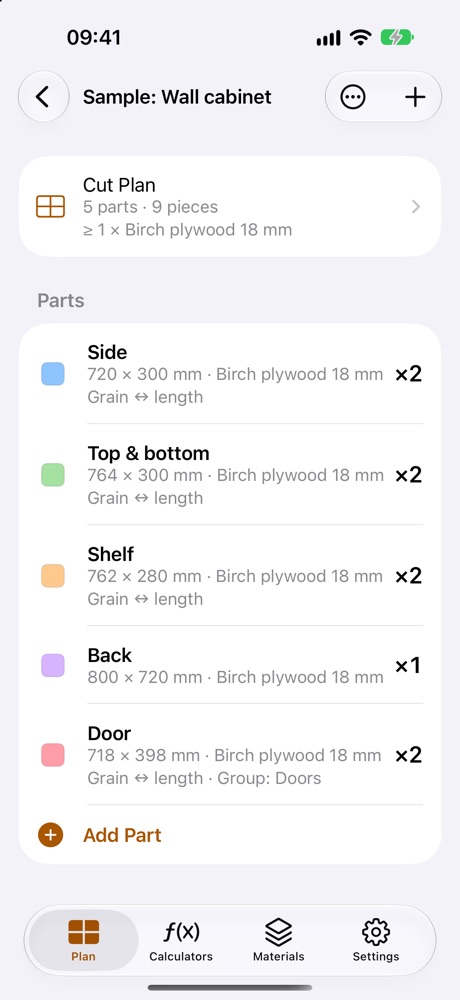
Add your parts
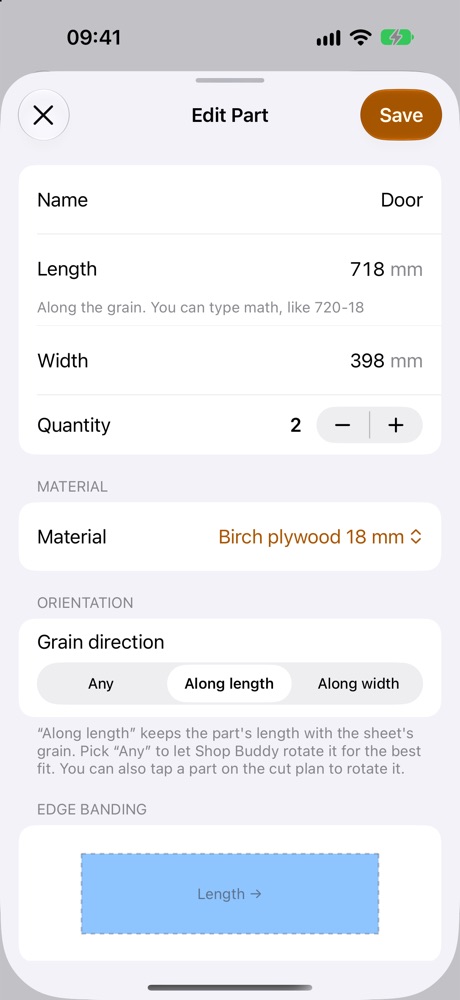
Size, quantity, material and grain direction for each part. Every number field does the maths: type
1220-18,48 1/2"or4'6". Mark the edges that get banding. -
 2
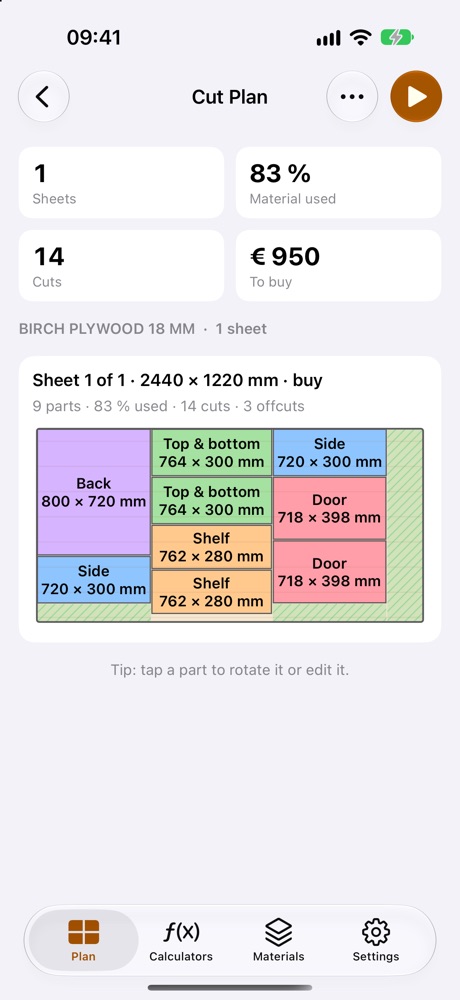
Get the cut plan
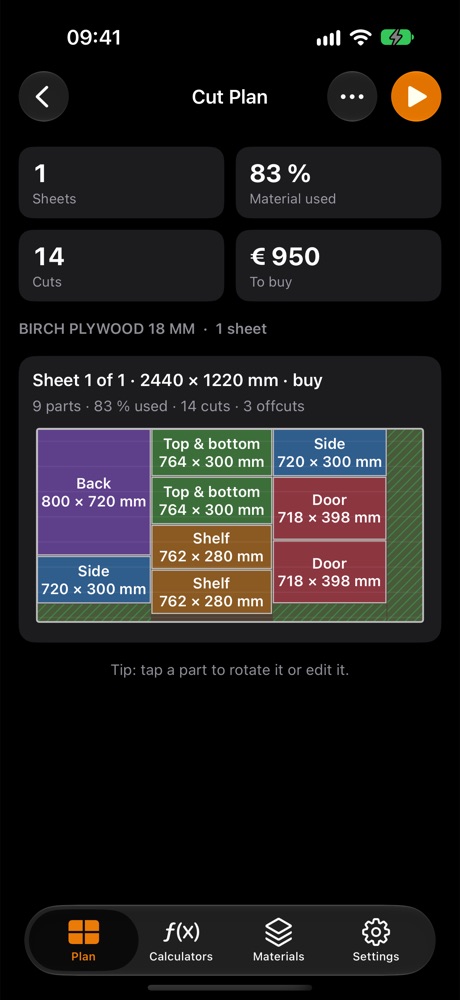
Only straight, edge-to-edge cuts you can make on a table saw or track saw, with the blade width taken out of each one. Tap a part to turn it; the rest is planned around it. Leftovers big enough to keep are marked.
-
 3
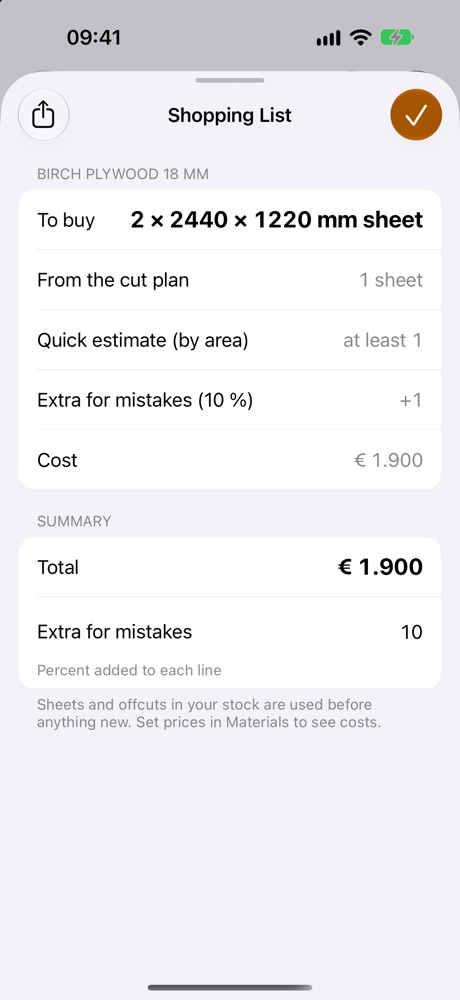
Buy what you need
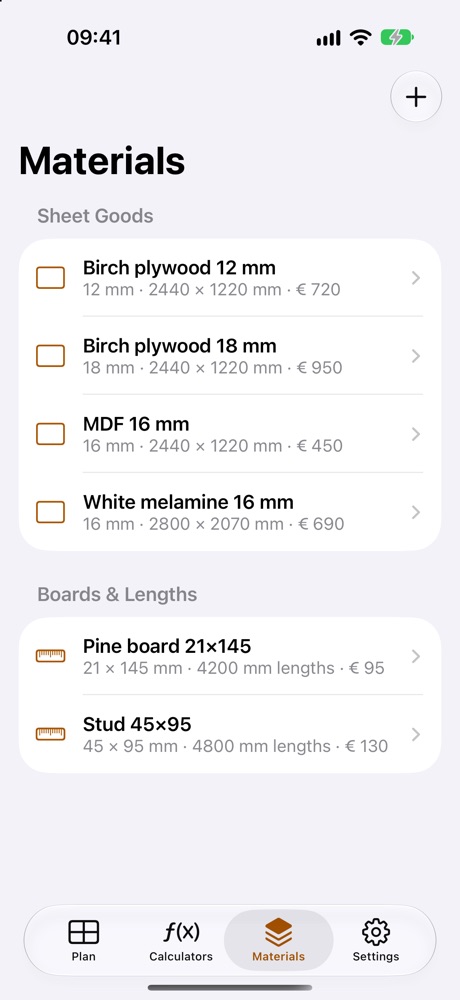
How many sheets or lengths to buy, a margin for mistakes, edge banding length and the total cost. Stock and offcuts you already have are used first.
What else it does
21 calculators
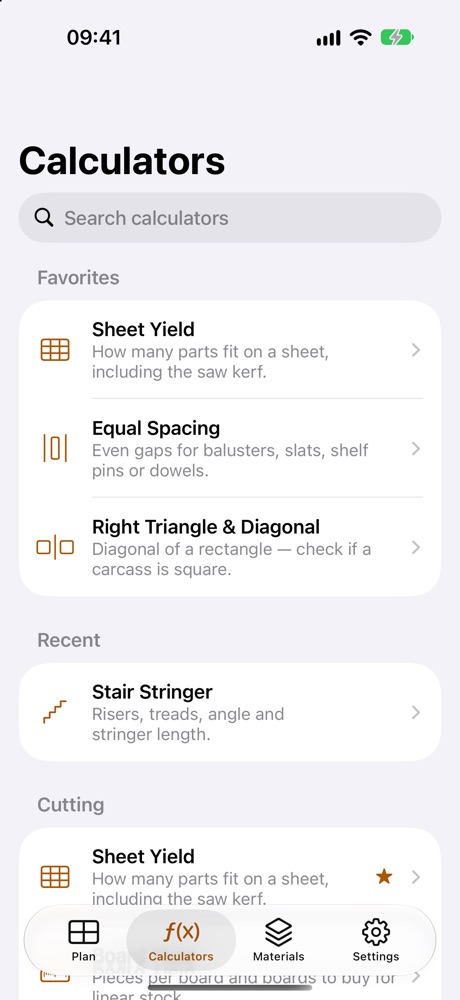
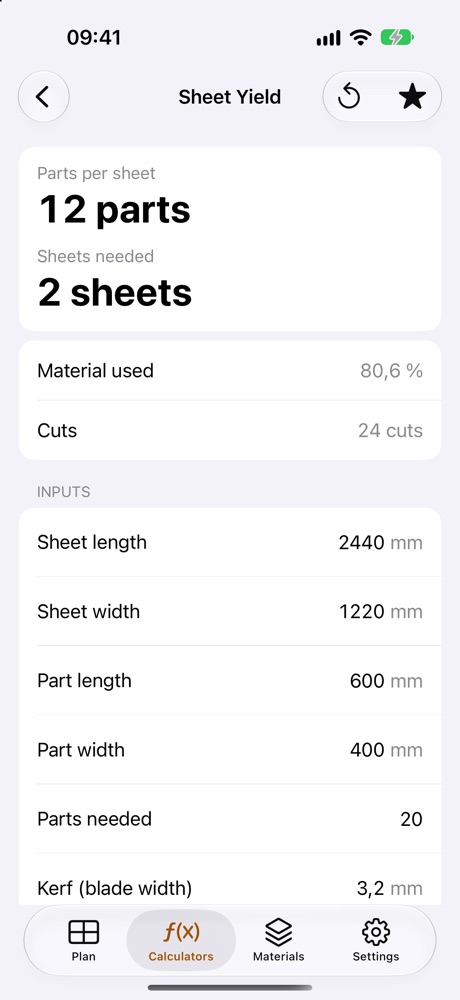
Sheet and board yield, equal spacing, shelf sag, drawer boxes, stairs, compound miters, finish and glue, wood movement, router speed and project price.
Shop Mode Pro
One cut at a time in big type with the fence setting, the screen kept awake and your progress saved.
AR sheet check Pro
Point your phone at a sheet to check its size, or see the cut layout on the real sheet before you start.
Offcut inventory Pro
Keep the leftovers worth keeping, and the next plan uses them before buying new.
Import from CAD Pro
DXF, SVG and CSV parts lists, with layers mapped to materials. Export the plan as PDF or CSV.
Metric or imperial
Millimetres by default, or feet, inches and fractions down to 1/64″. Works on iPhone and iPad, light or dark.
A look inside
Questions
Does it need an internet connection?
No. Planning, calculators, AR and imports all run on your iPhone or iPad. The only time Shop Buddy goes online is through the App Store when you buy or restore Pro.
Where are my projects, and how do I move them to a new phone?
Only on your device: there's no account and no cloud sync. Your projects are part of your normal iPhone or iPad backup, so restoring a backup onto a new device brings them along. To move one plan, export it as a PDF or CSV.
How accurate is the AR measurement?
About ±3–5 mm on Pro models with LiDAR and about ±1–2 cm on other devices. Shop Buddy suggests the nearest standard sheet size, which you can use, edit or ignore.
It's a quick check, not a tape measure: always measure before you cut. Good light and the whole sheet in view help. If the edges aren't found, choose Tap Corners and tap the four corners yourself.
How do I keep the grain running the right way?
Set Grain to Along length or Along width in the part editor; parts set to Any may be turned to save material. Tapping a part on the plan and choosing Rotate 90° locks it. For drawer fronts that should match, put them in the same Cut together group and they're cut side by side from one strip.
Which files can I import?
DXF: each closed shape becomes a part, planned as its bounding rectangle with the real outline drawn inside. Layers map to materials and identical shapes become one part with a quantity.
SVG: shapes become parts, groups or layers map to materials, and the size comes from the file's width and height.
CSV: columns like name, length, width, qty and material, separated by commas, semicolons or tabs. Put a unit in a header to override it, for example Length (in).
What's free and what's in Pro?
Free: the cut planner with up to 3 projects, all calculators and the shopping list. Pro is a one-time purchase, no subscription: AR scan and preview, unlimited projects, Shop Mode, PDF and CSV export, file imports, and stock and offcut inventory.
I bought Pro but it's locked on another device.
Open Settings → Shop Buddy Pro → Restore Purchases, signed in with the Apple Account you bought it with. Once restored, Pro keeps working offline. For a refund, go to reportaproblem.apple.com; Apple handles all payments.
Help
Questions or a problem? Email [email protected]. For a plan that looks wrong, attach the parts list (an exported CSV is perfect) and I'll get back to you.
Read the privacy policy. Short version: Shop Buddy collects nothing.
Check before you cut. Shop Buddy plans from the sizes you give it. Measure your sheets, and check the first cut before committing the rest.
Saw safely. Use the guards and push sticks your saw came with. Shop Mode keeps the screen on so you don't have to touch the phone with sawdust on your hands.